.svg)
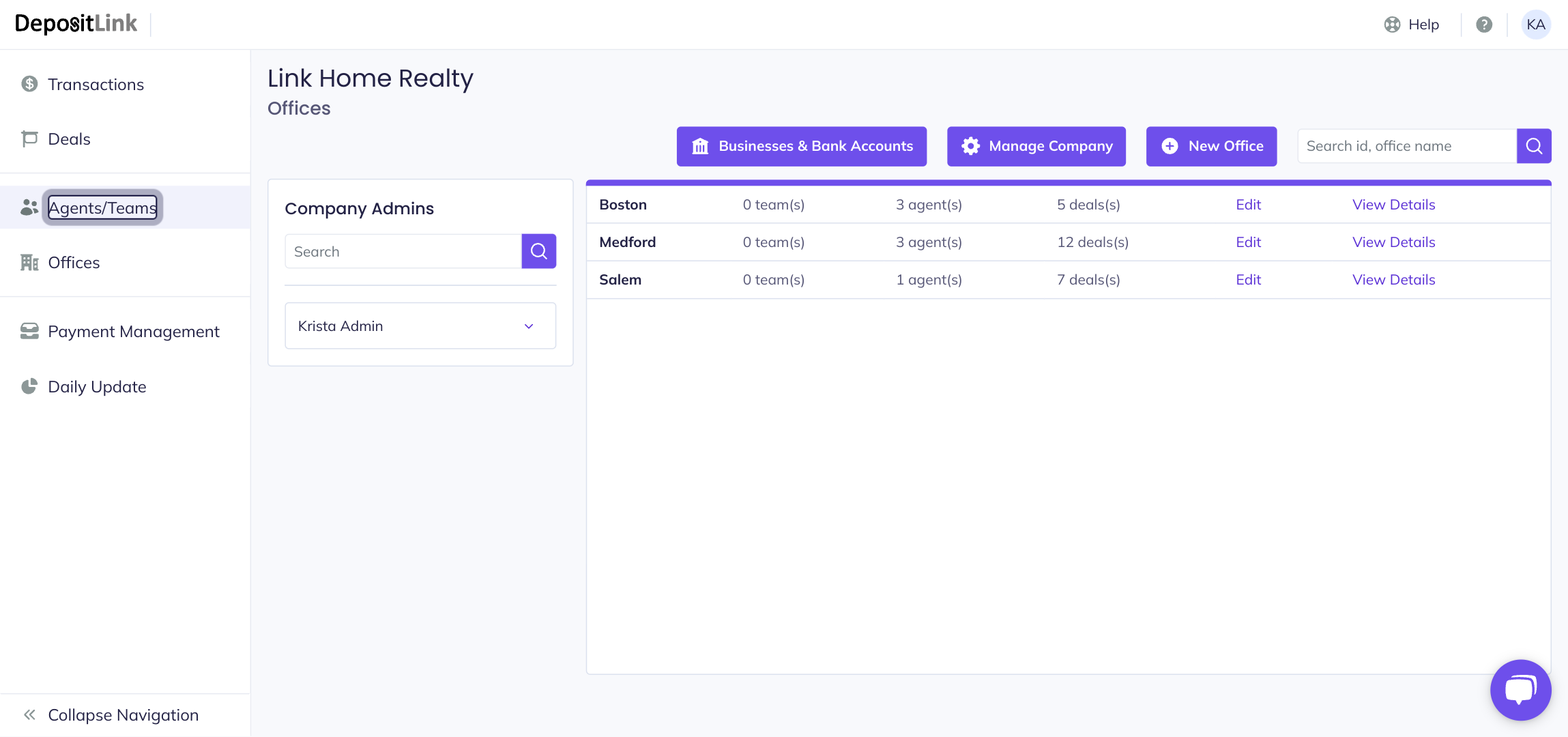
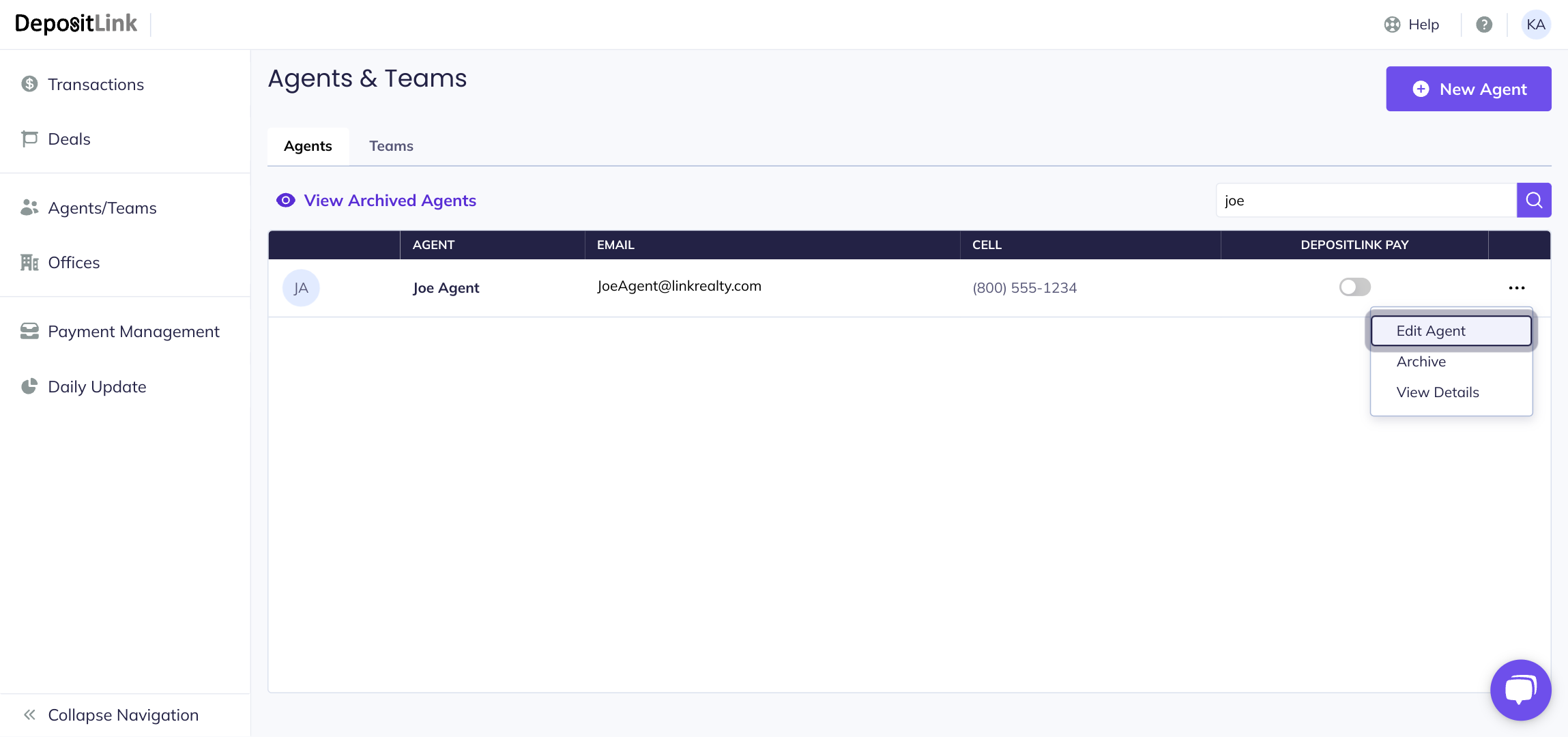
- Step 1: Click on Agents/Teams.
- Step 2: Find the user that needs their information updated.
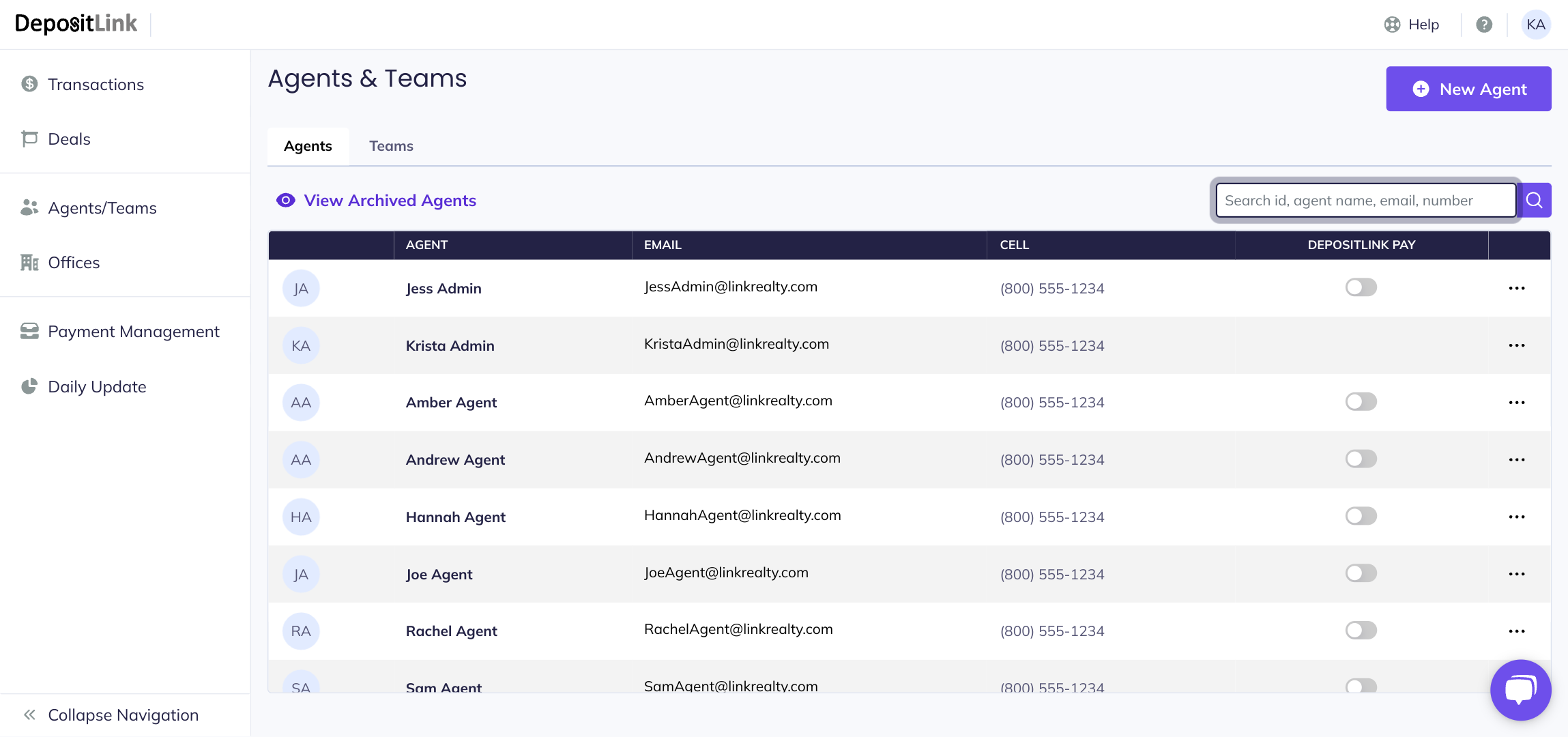
- Step 3: Click the three dot menu to the right of the user.
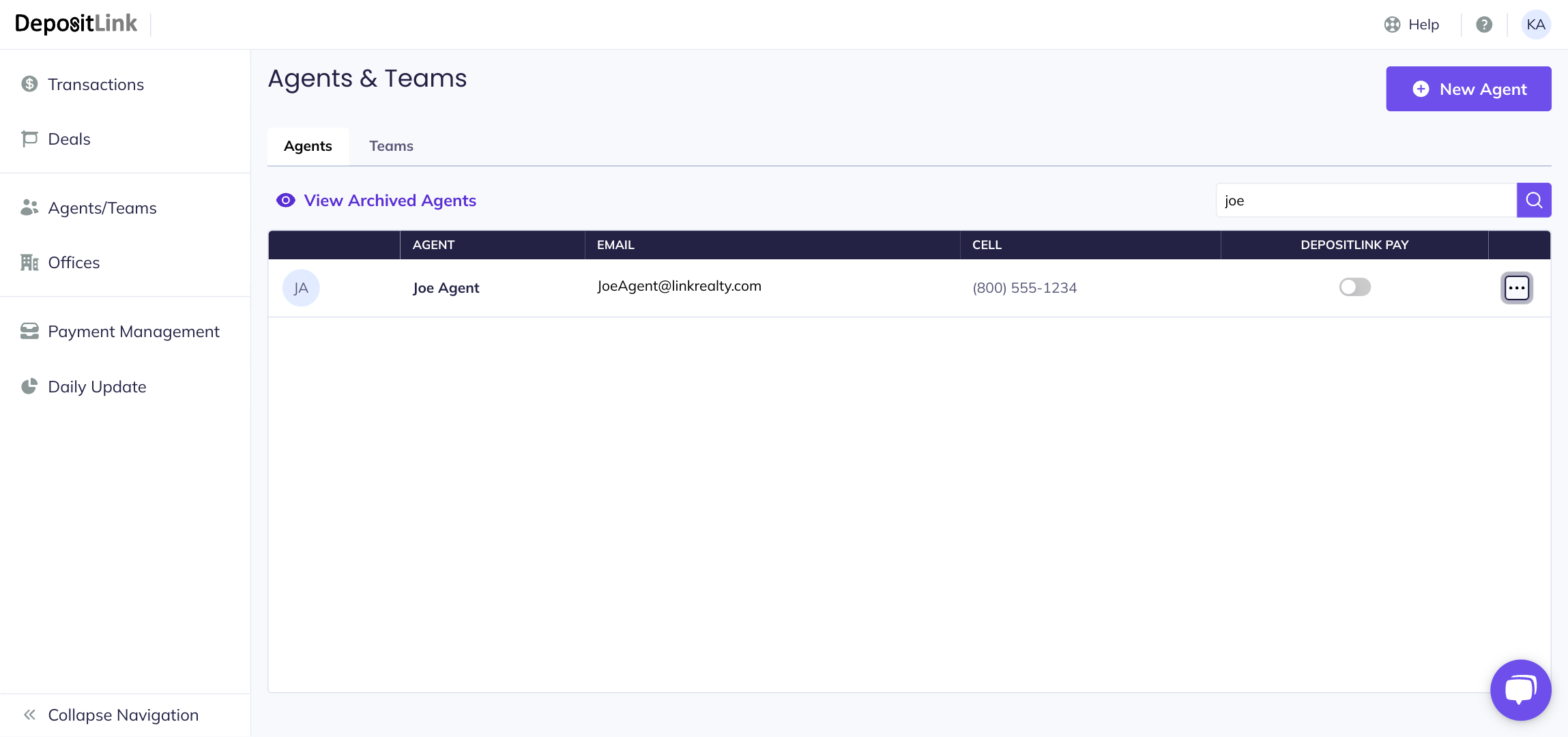
- Step 4: Select the Edit Agent option.
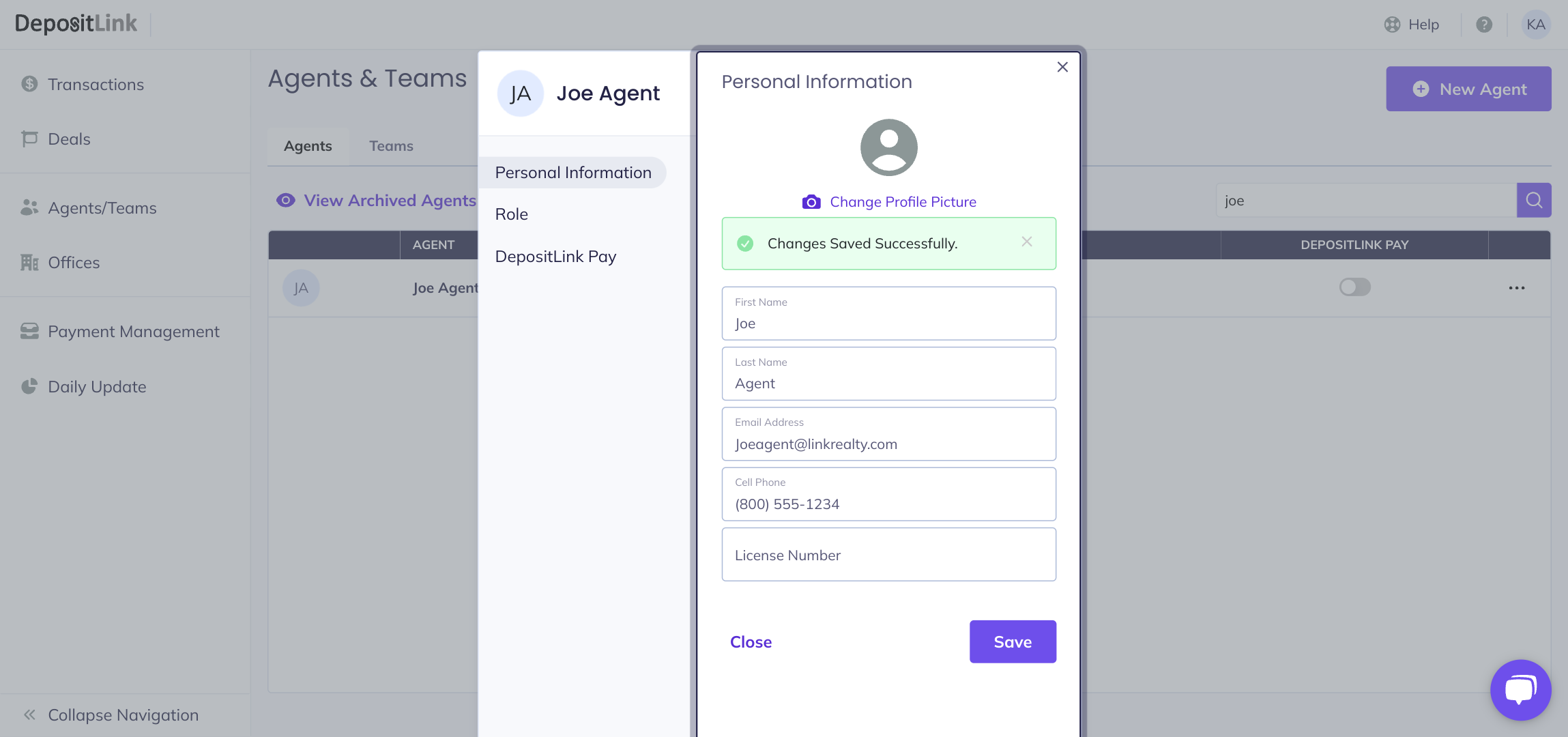
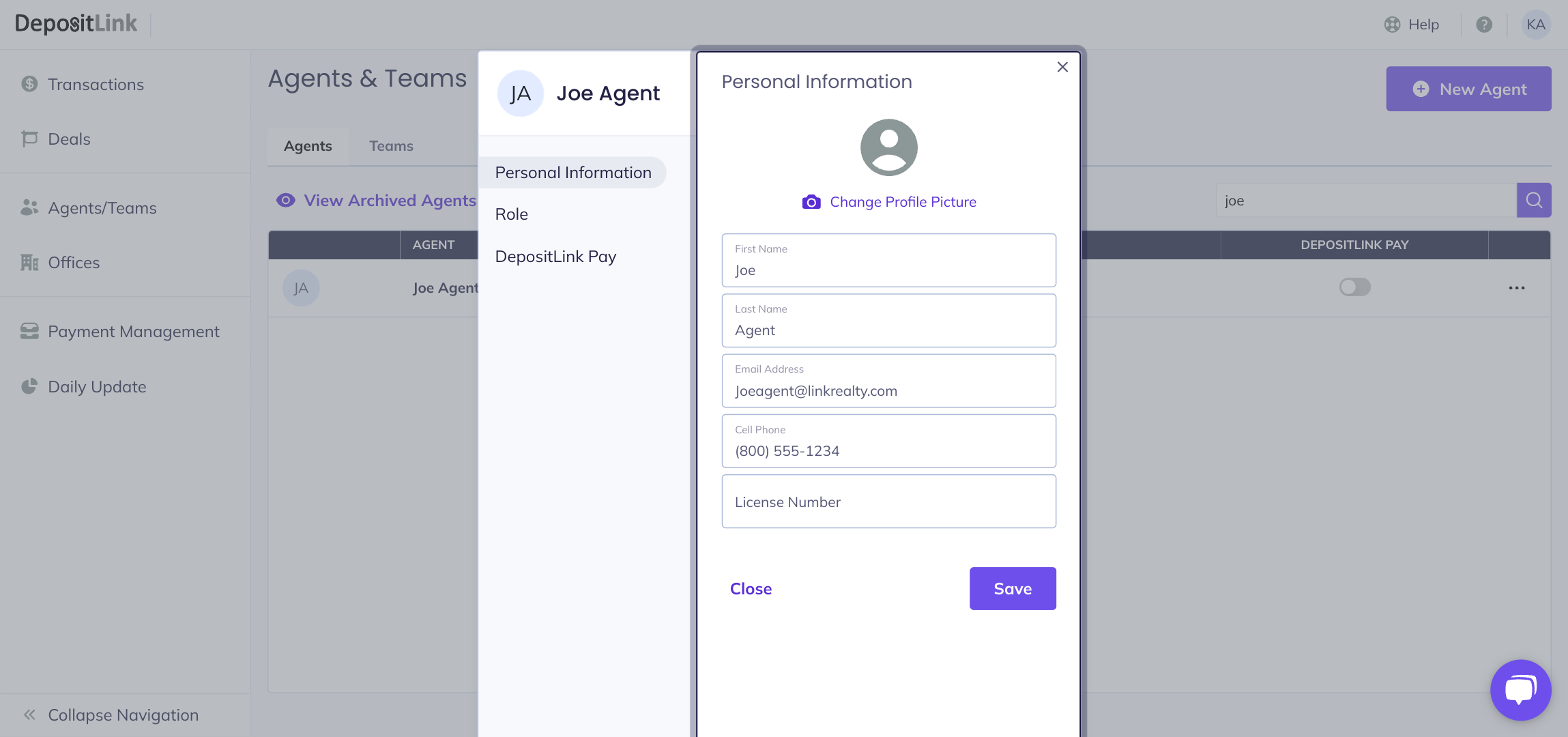
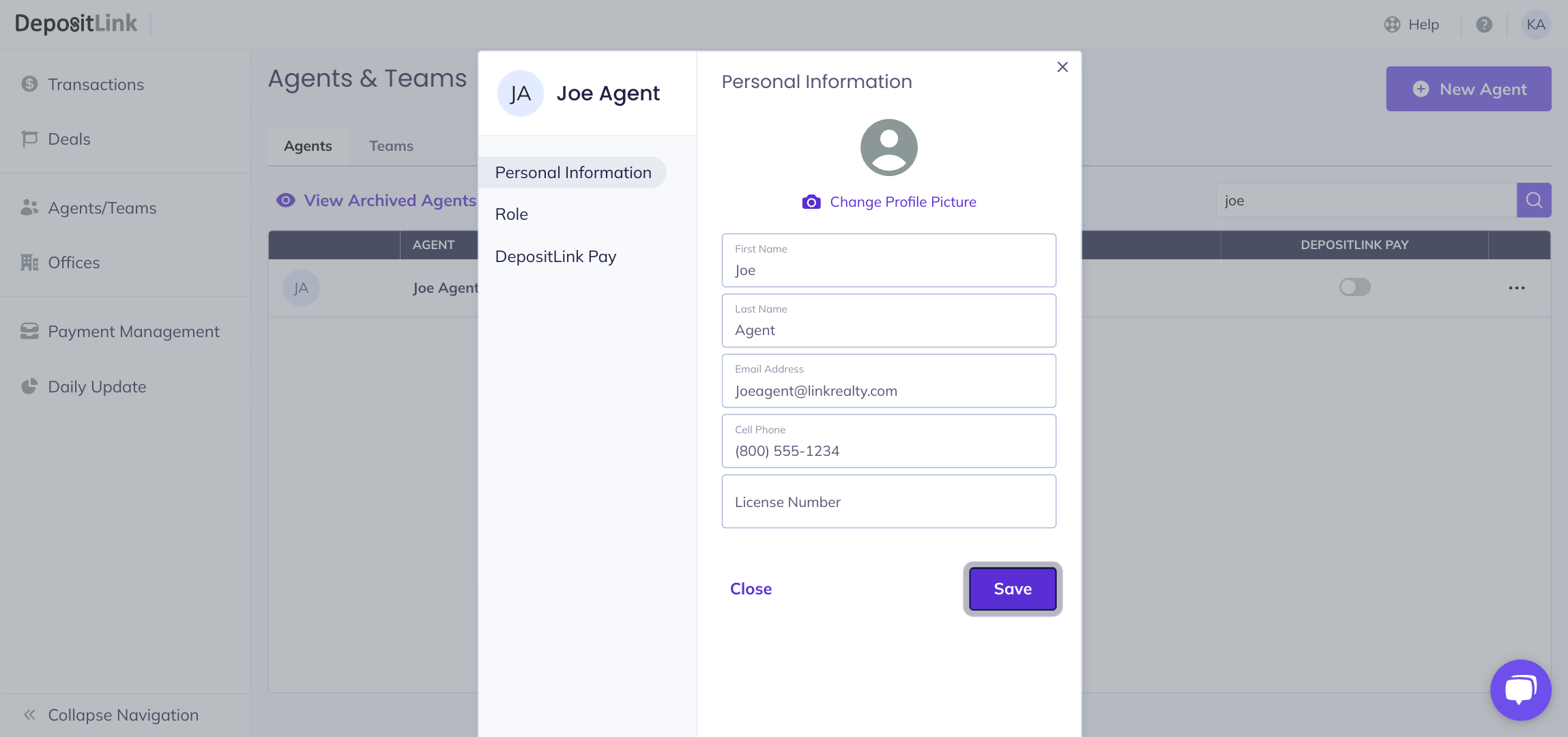
- Step 5: Make any necessary changes on the Personal Information tab.
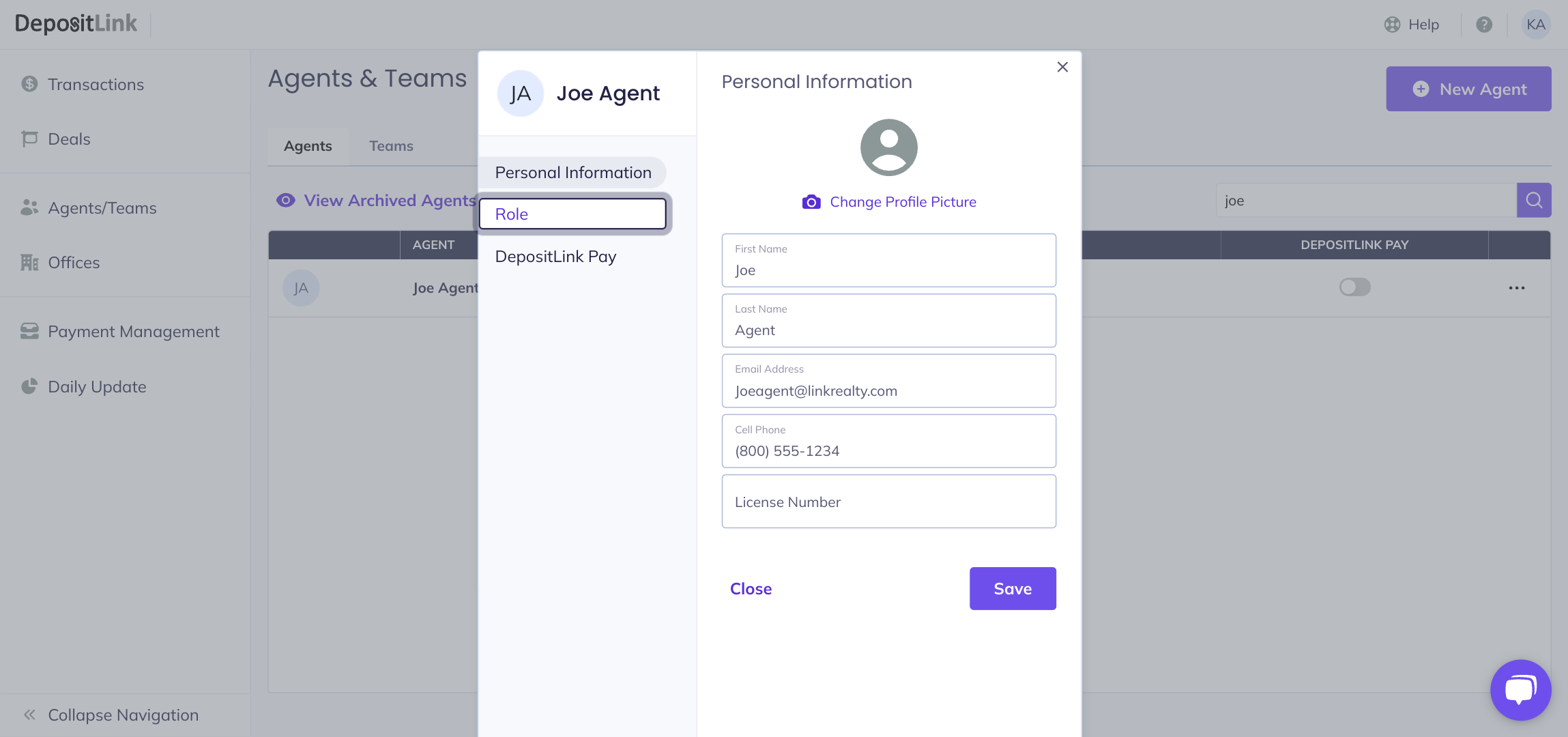
- Step 6: If the agent has any changes in their role, office, or team assignments, select the Role tab.
- Step 7: Make any necessary changes to roles, office assignments, or team assignments.
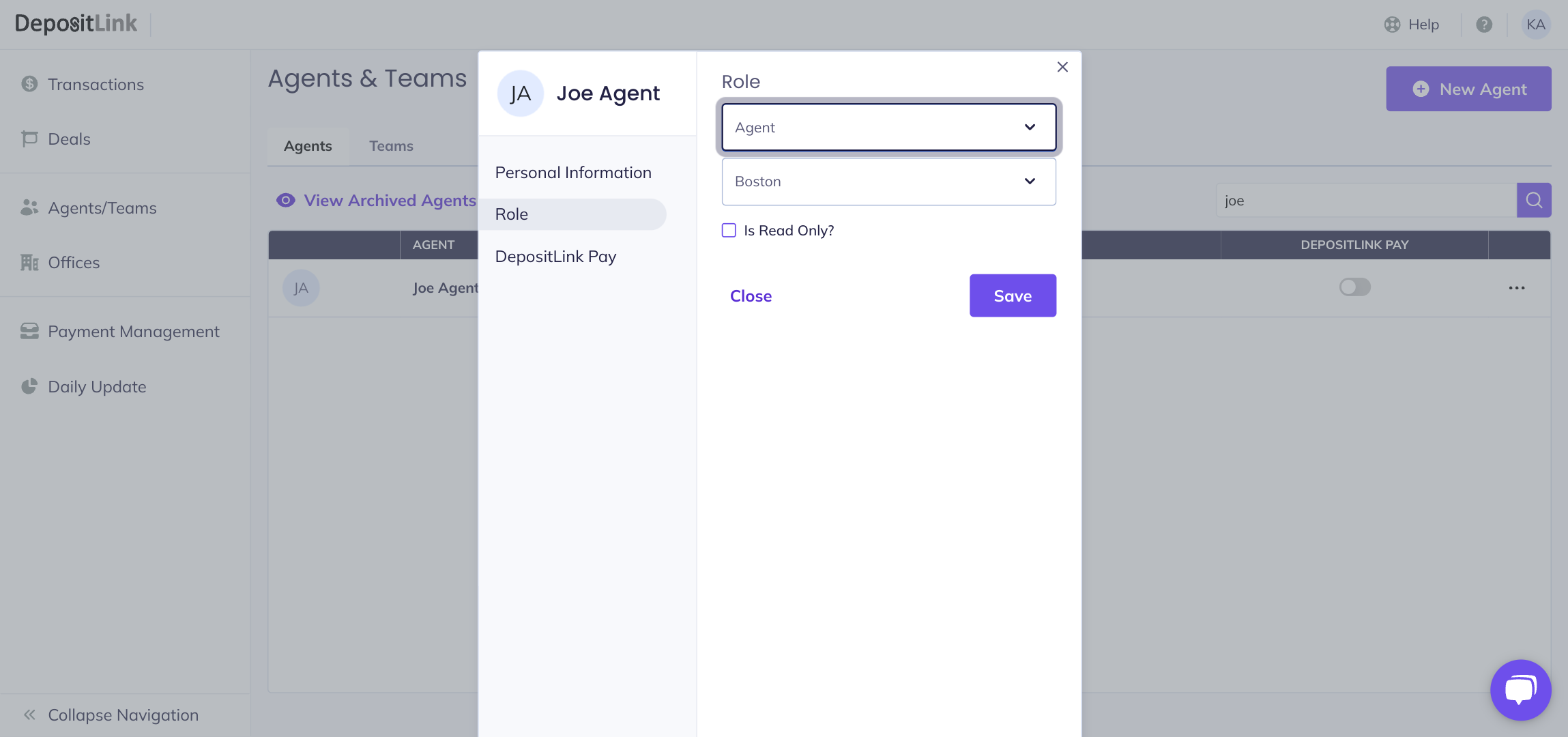
- Step 8: Click on Save to save any changes made.
Once changes are saved, close the window.