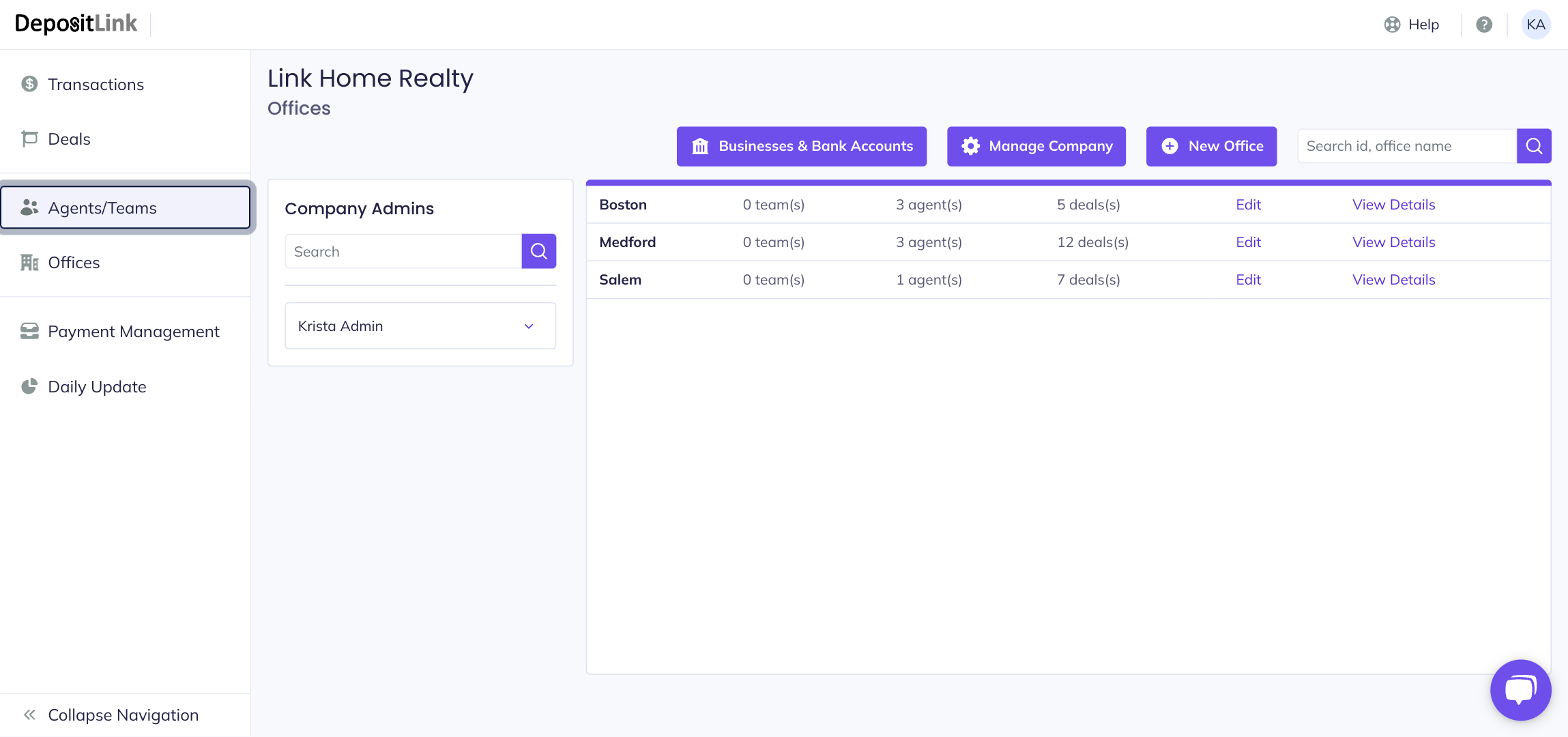
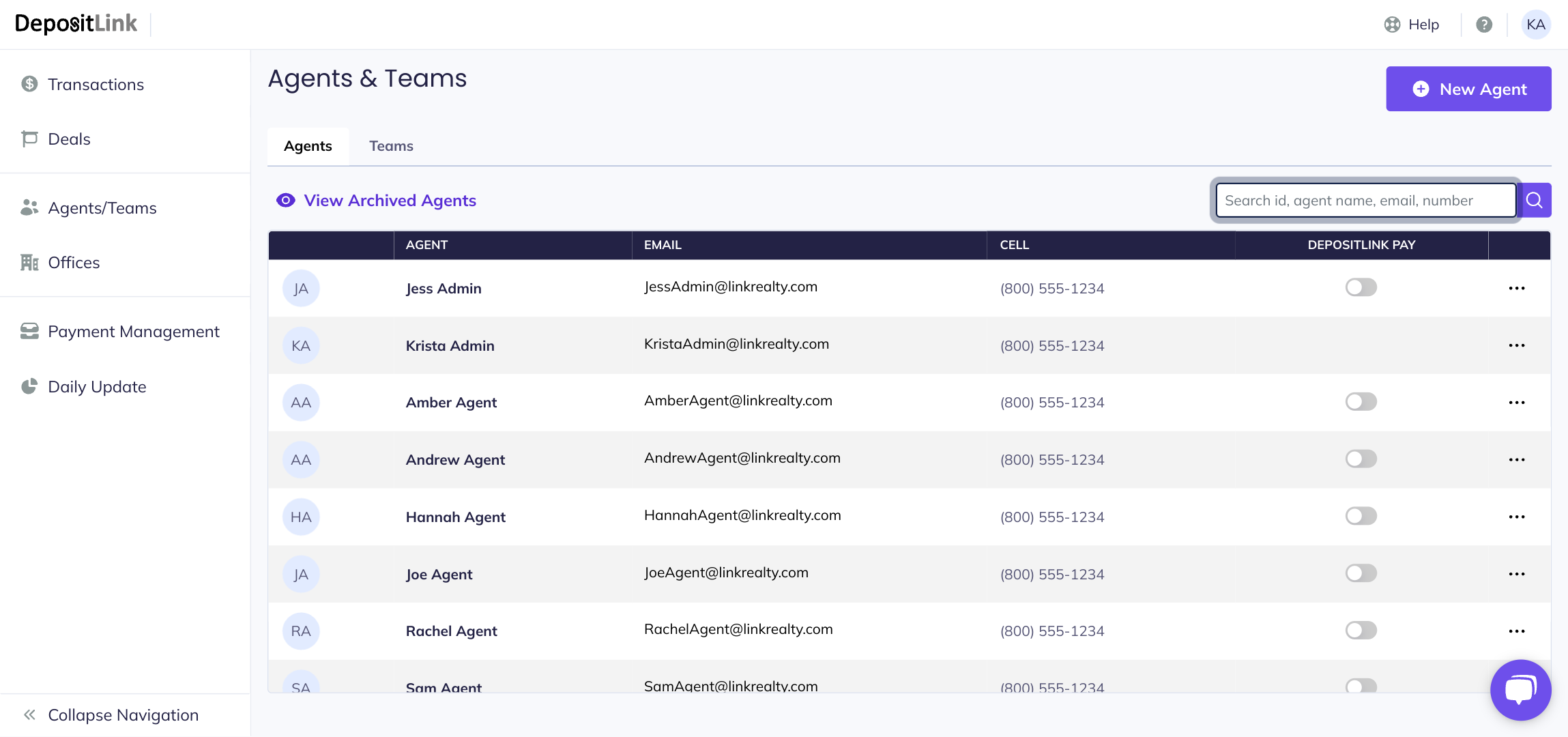
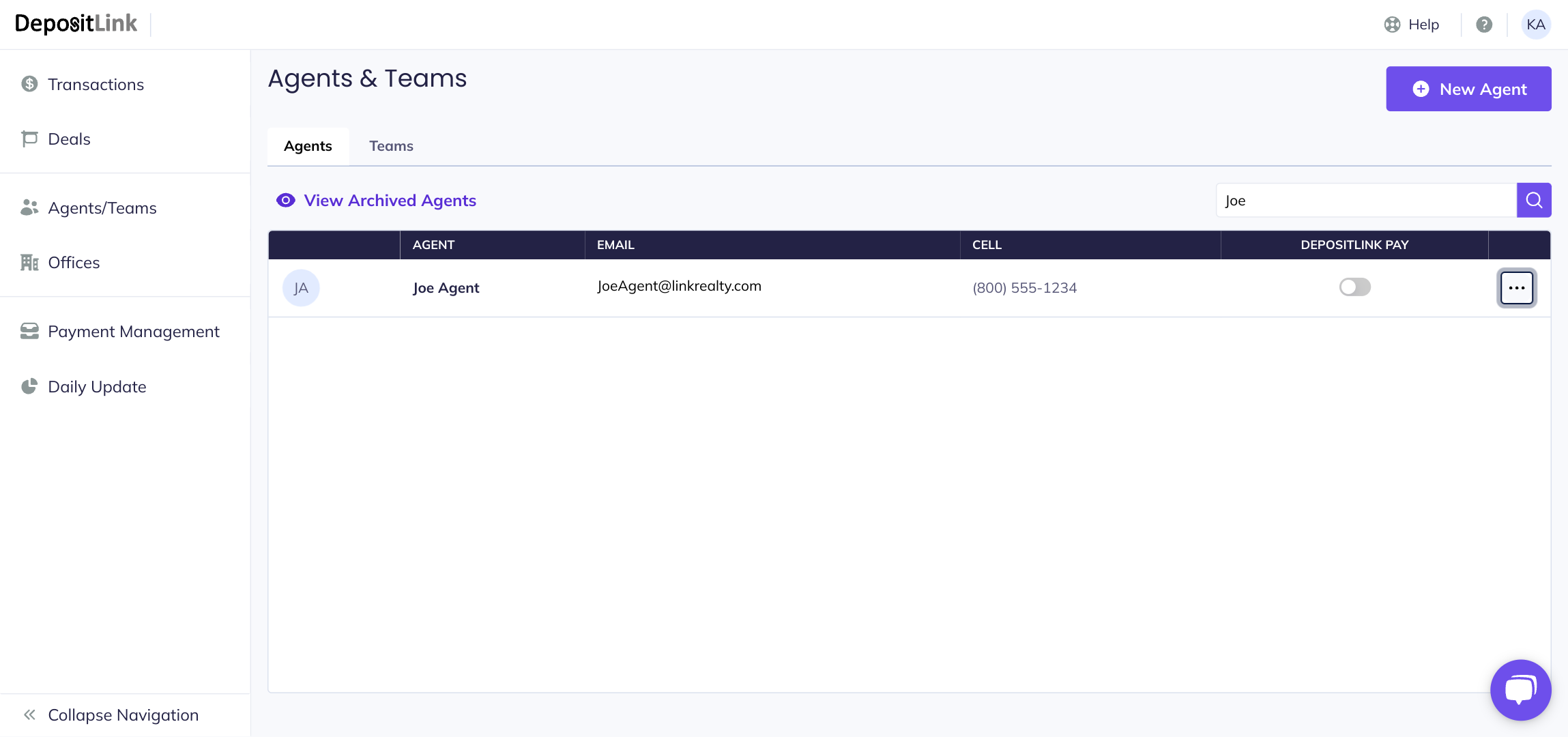
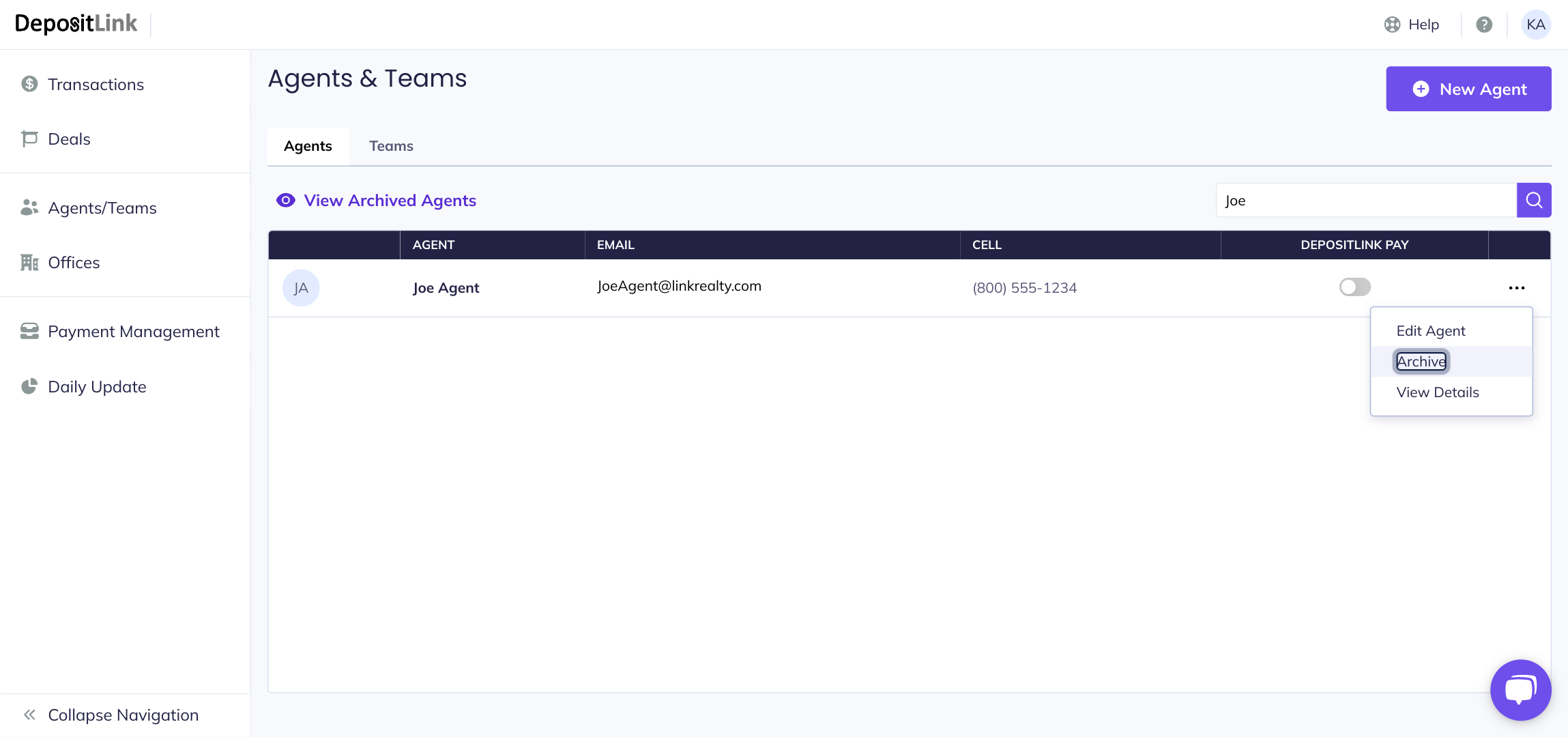
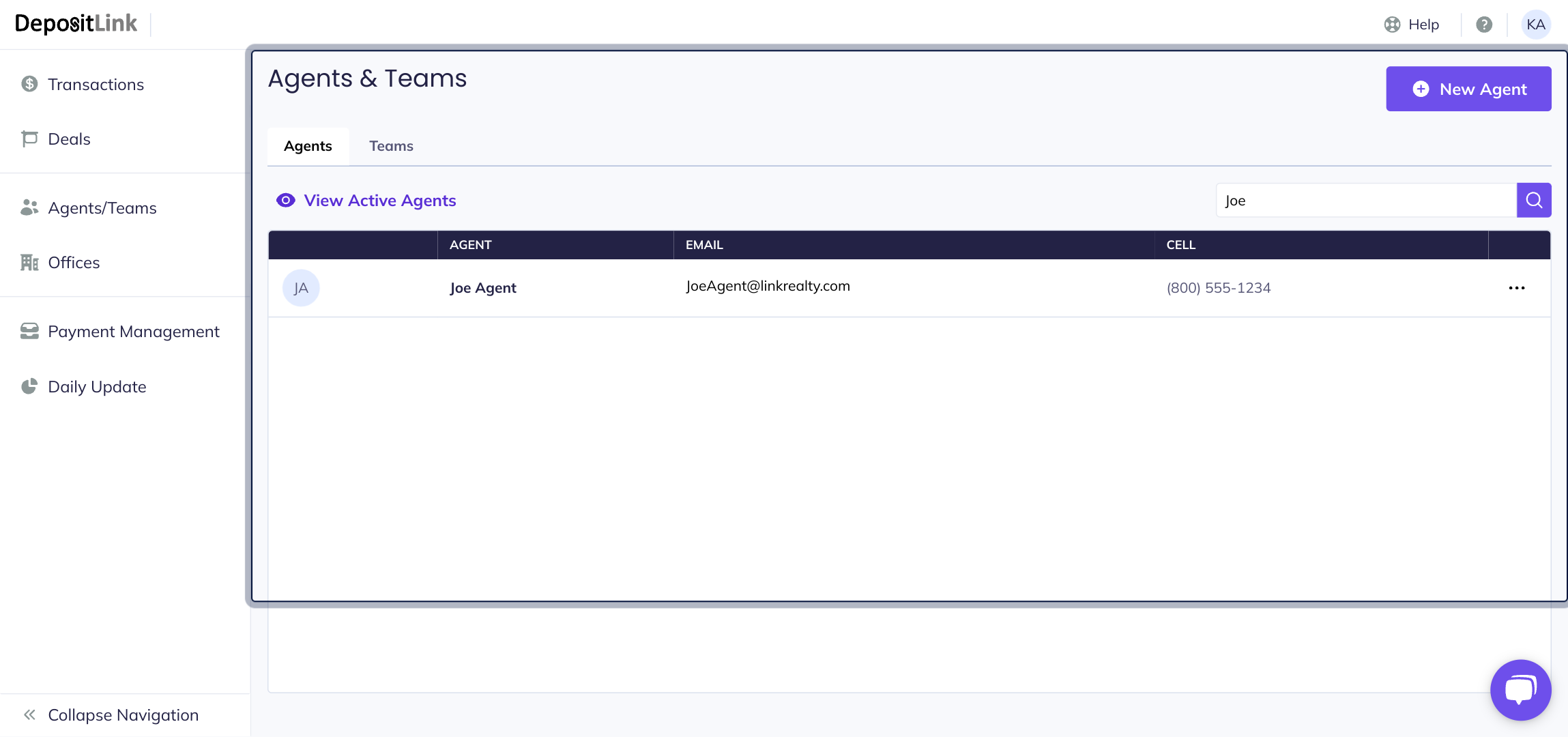
January 5, 2026 Archiving a User Step 1: Click Agents/Teams. Step 2: Find the user that needs to be archived. Step 3: Click on the three dot menu to the right of the user. Step 4: Click on Archive. After archiving the user they will be moved to the Archived Agents list.
.svg)