.svg)
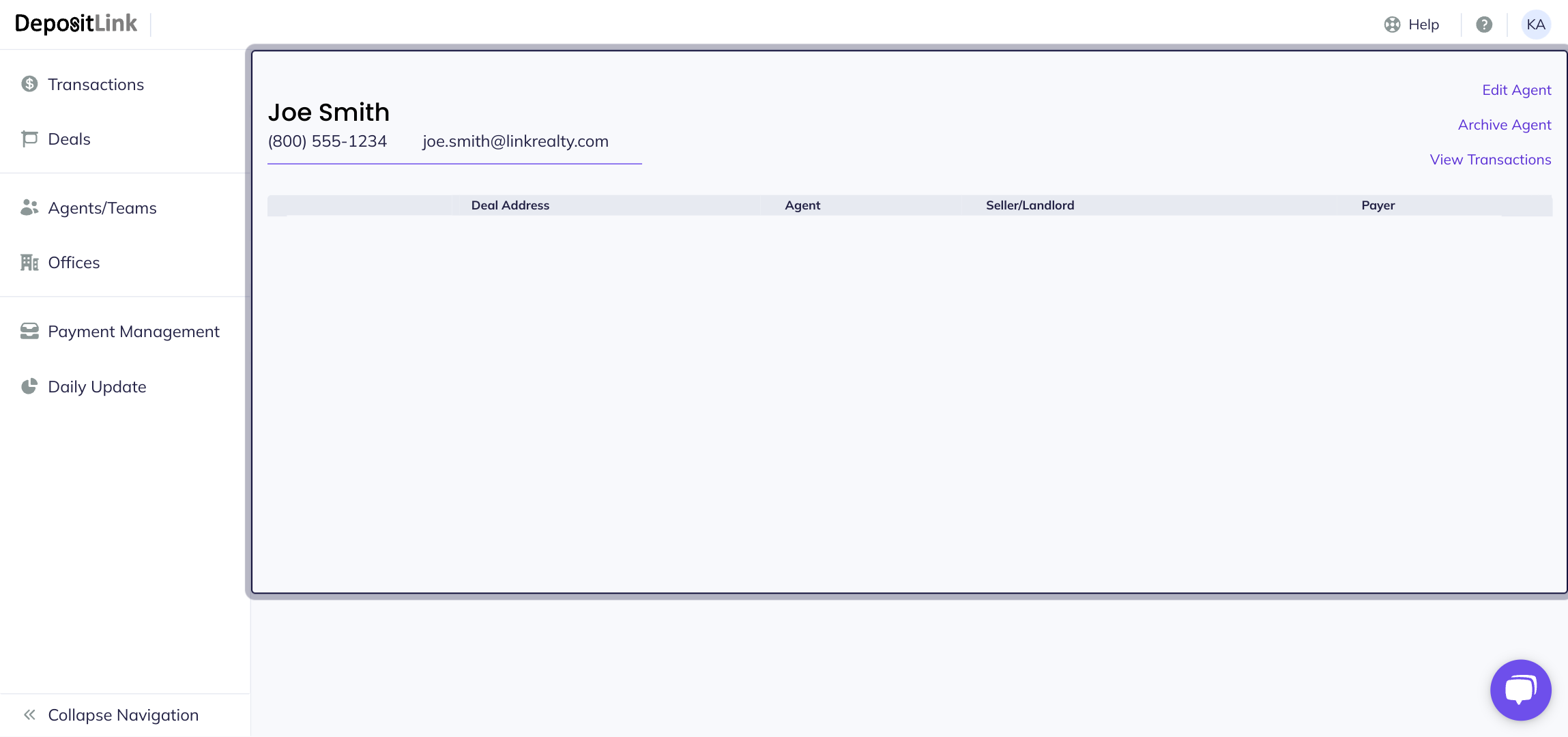
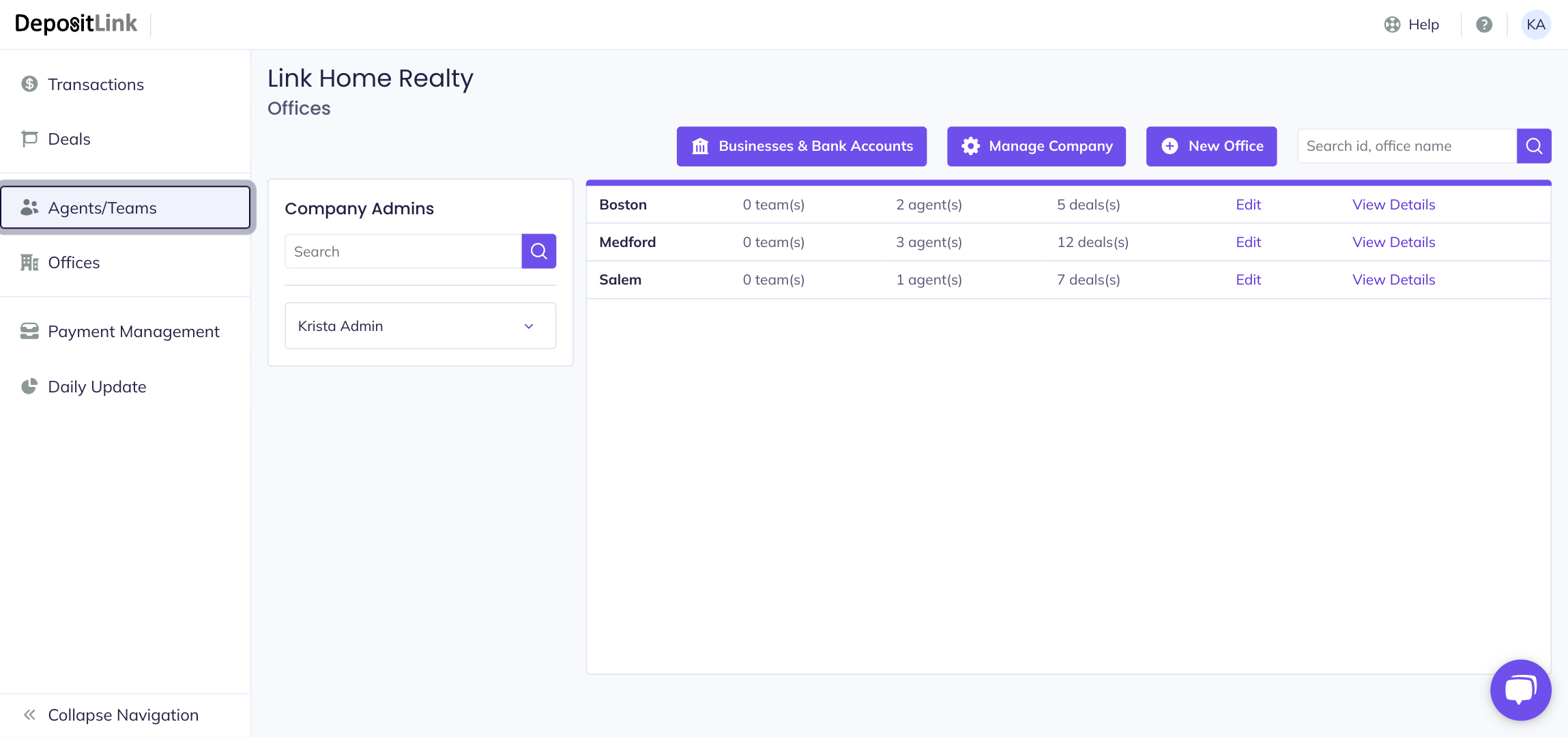
- Step 1: Click Agents/Teams tab.
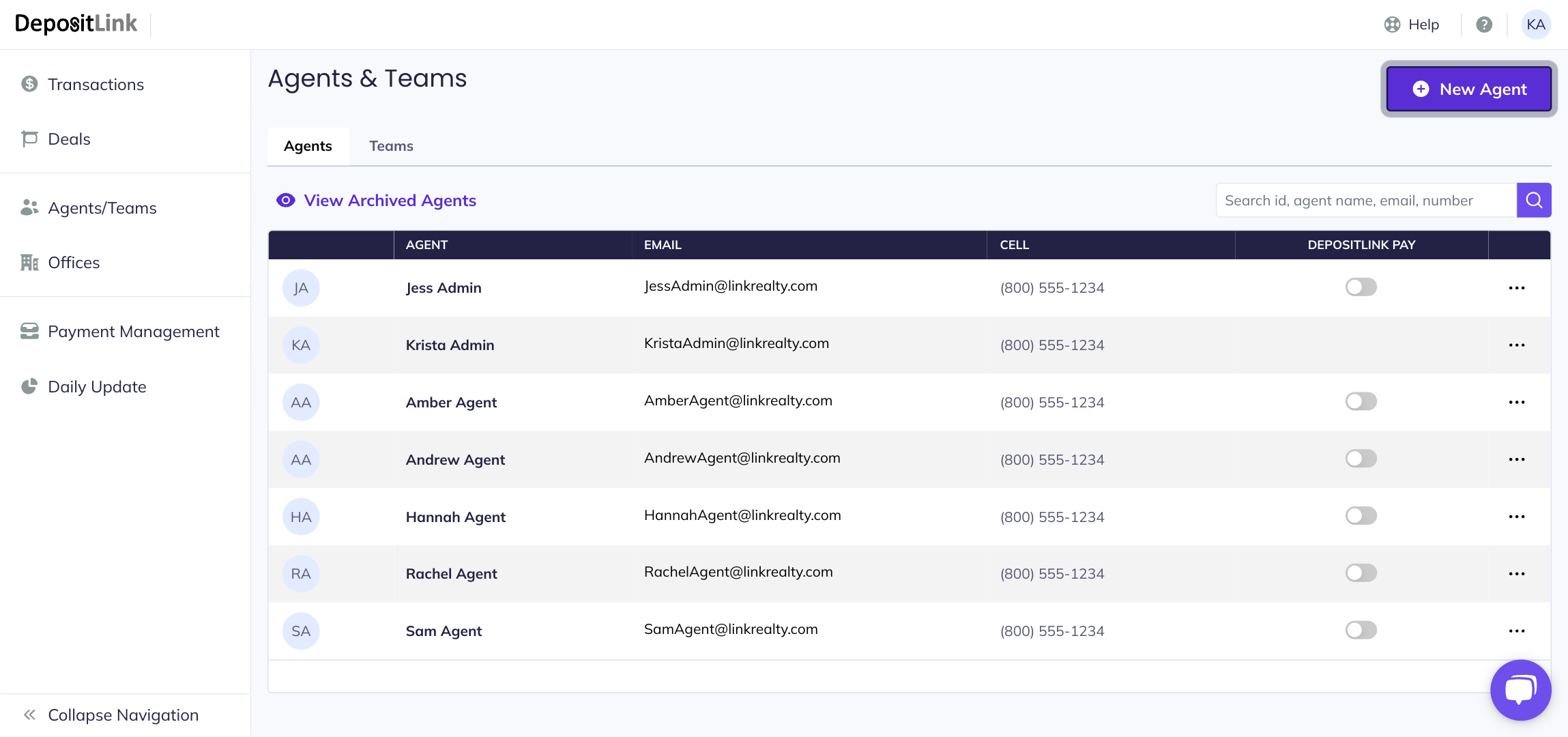
- Step 2: Click on New Agent.
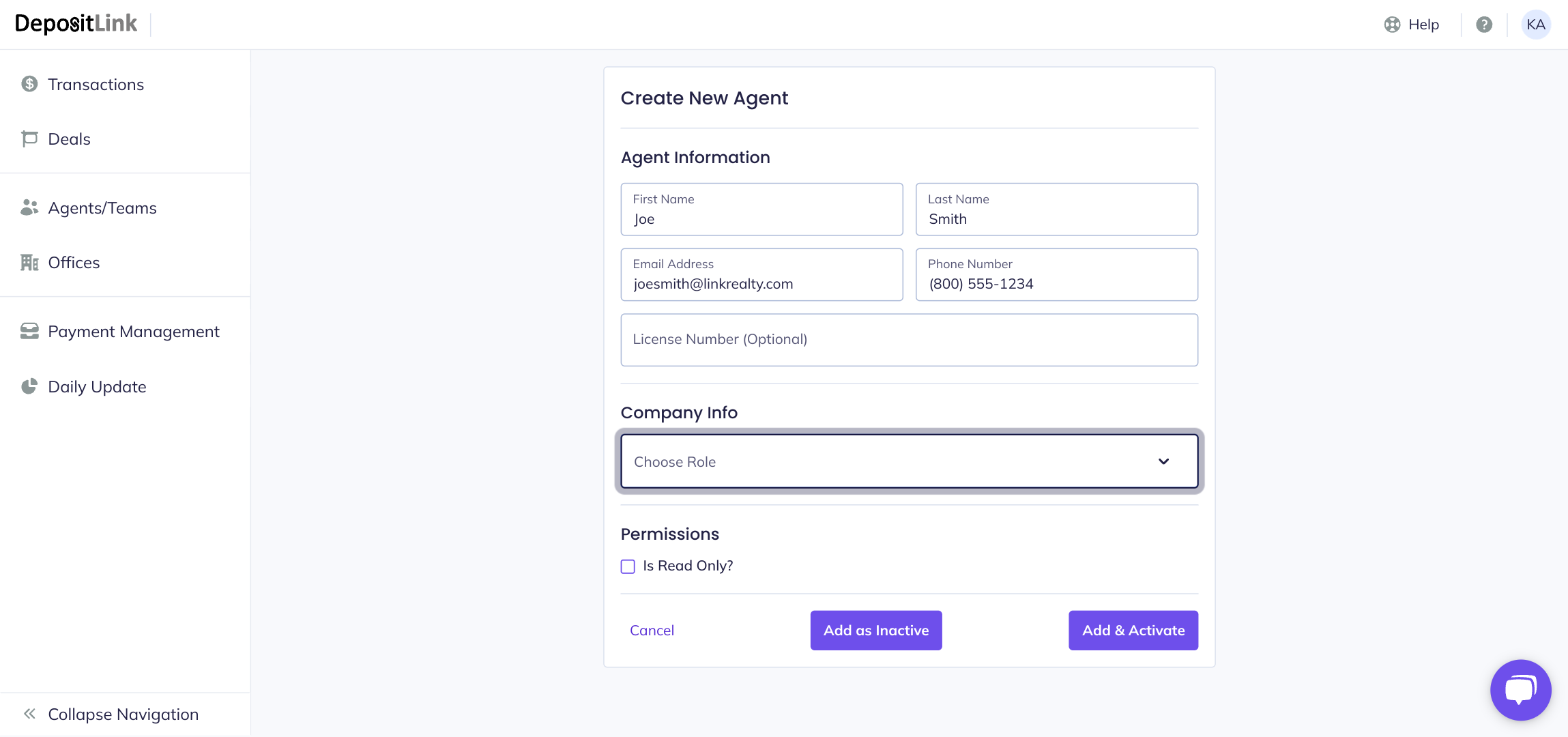
- Step 3: Enter the user's information.
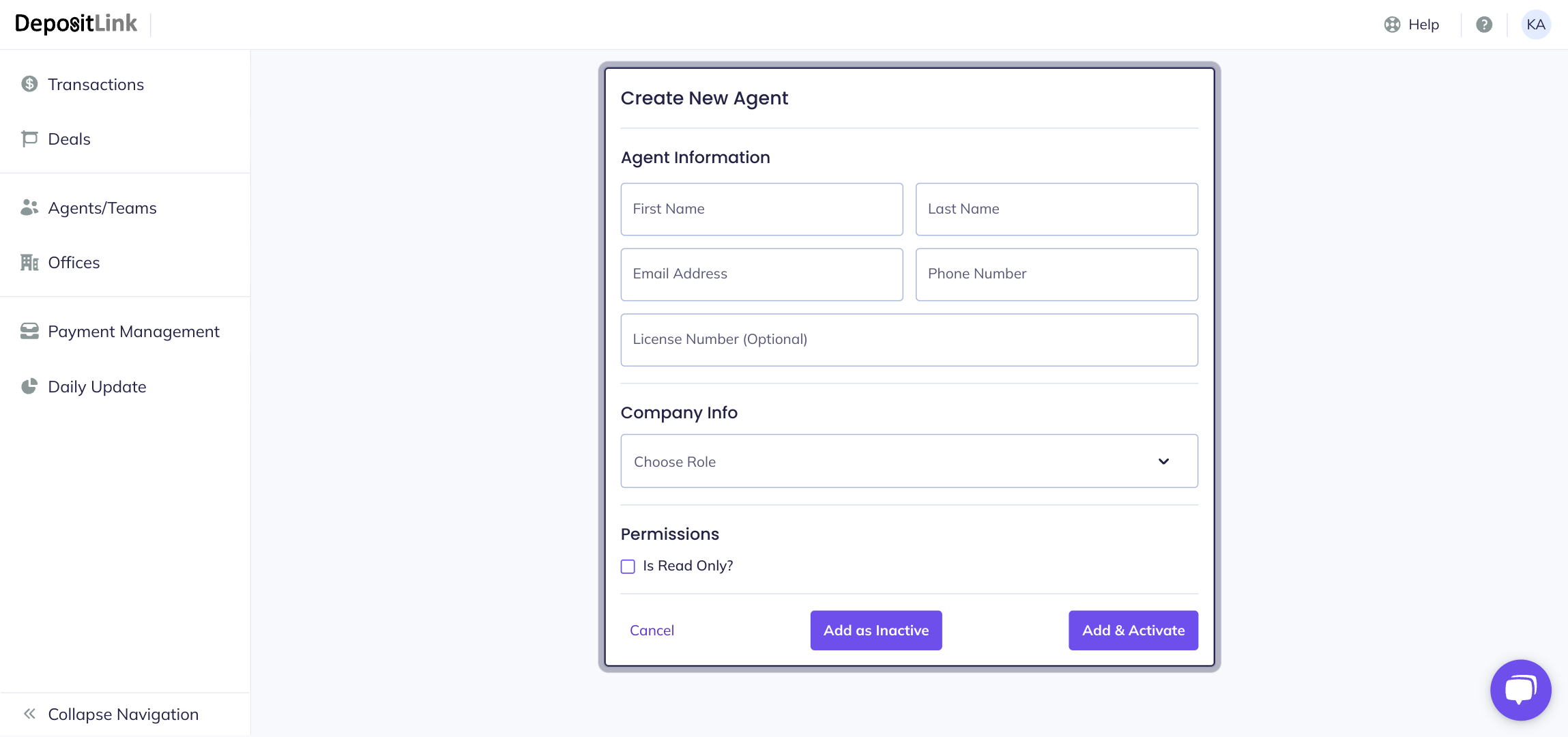
- Step 4: Click on Choose Role to select the user's role.
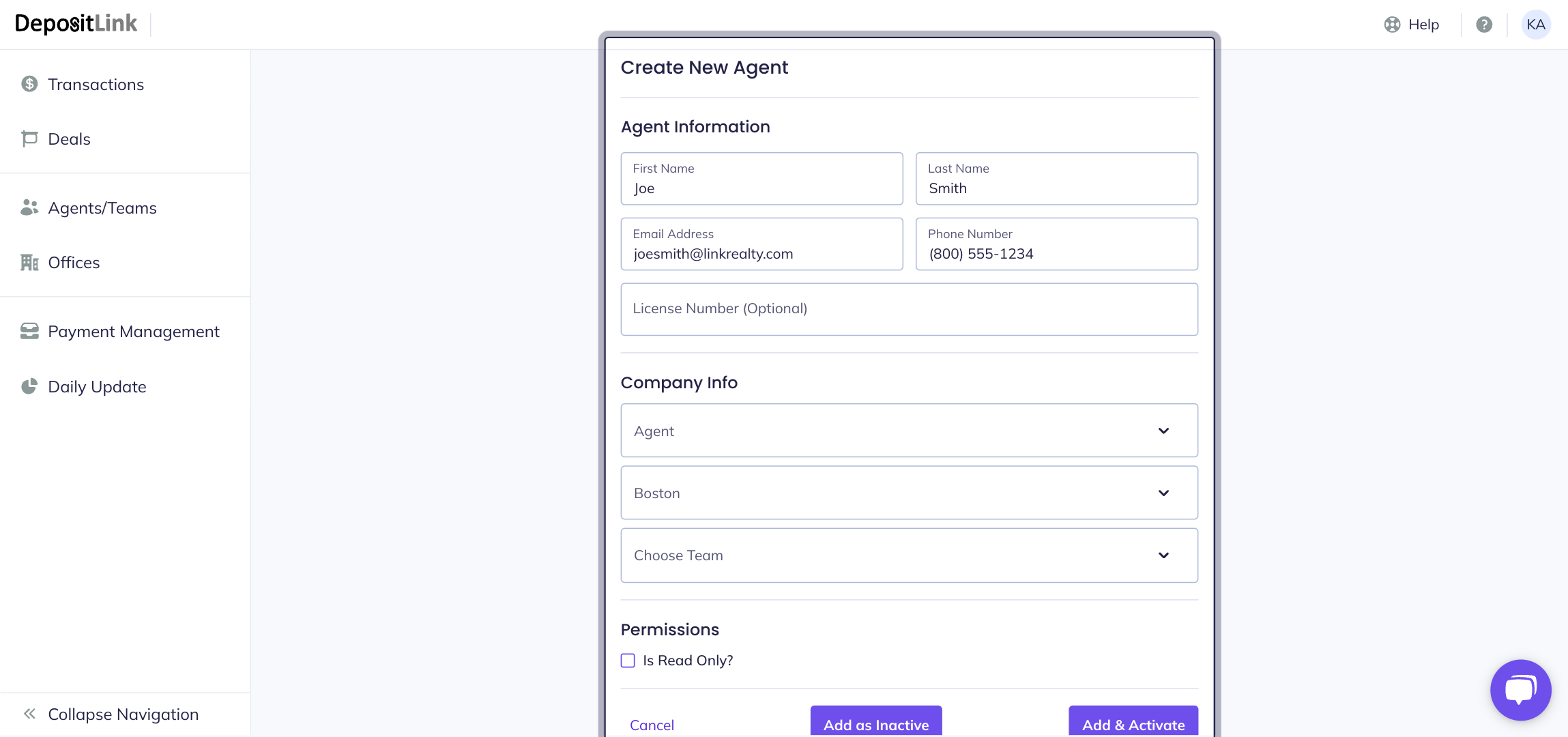
- Step 5: Assign the user's office and team (if applicable).
- Step 6: Click Add & Activate.
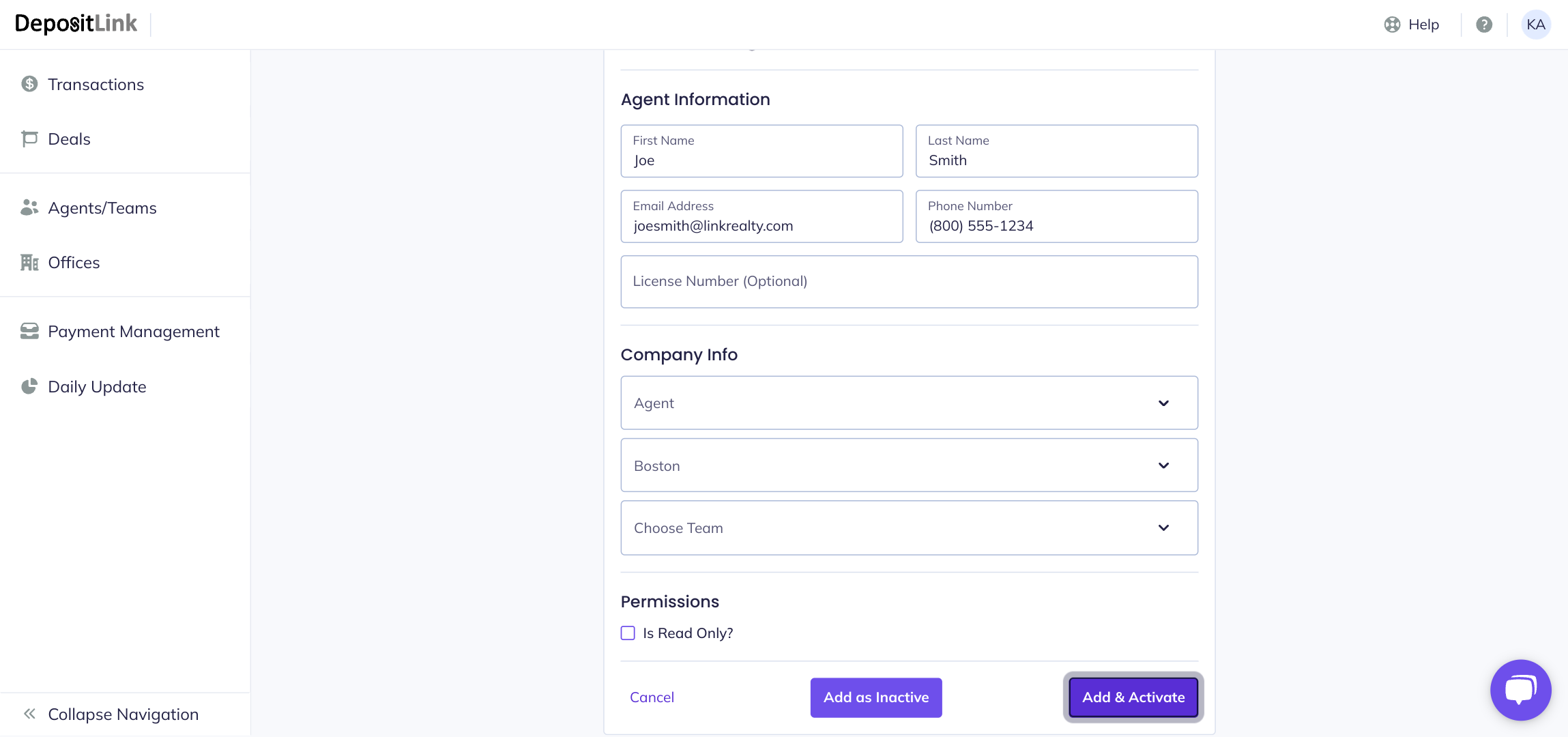
Success! The user's account has now been created.